
Close the case with the power of artificial intelligence
Briefcase provides attorneys with AI-driven insights and document navigation in a collaborative environment.

Already use Briefcase? Sign in or create an account with your team I.D.
Work through cases with Briefcase
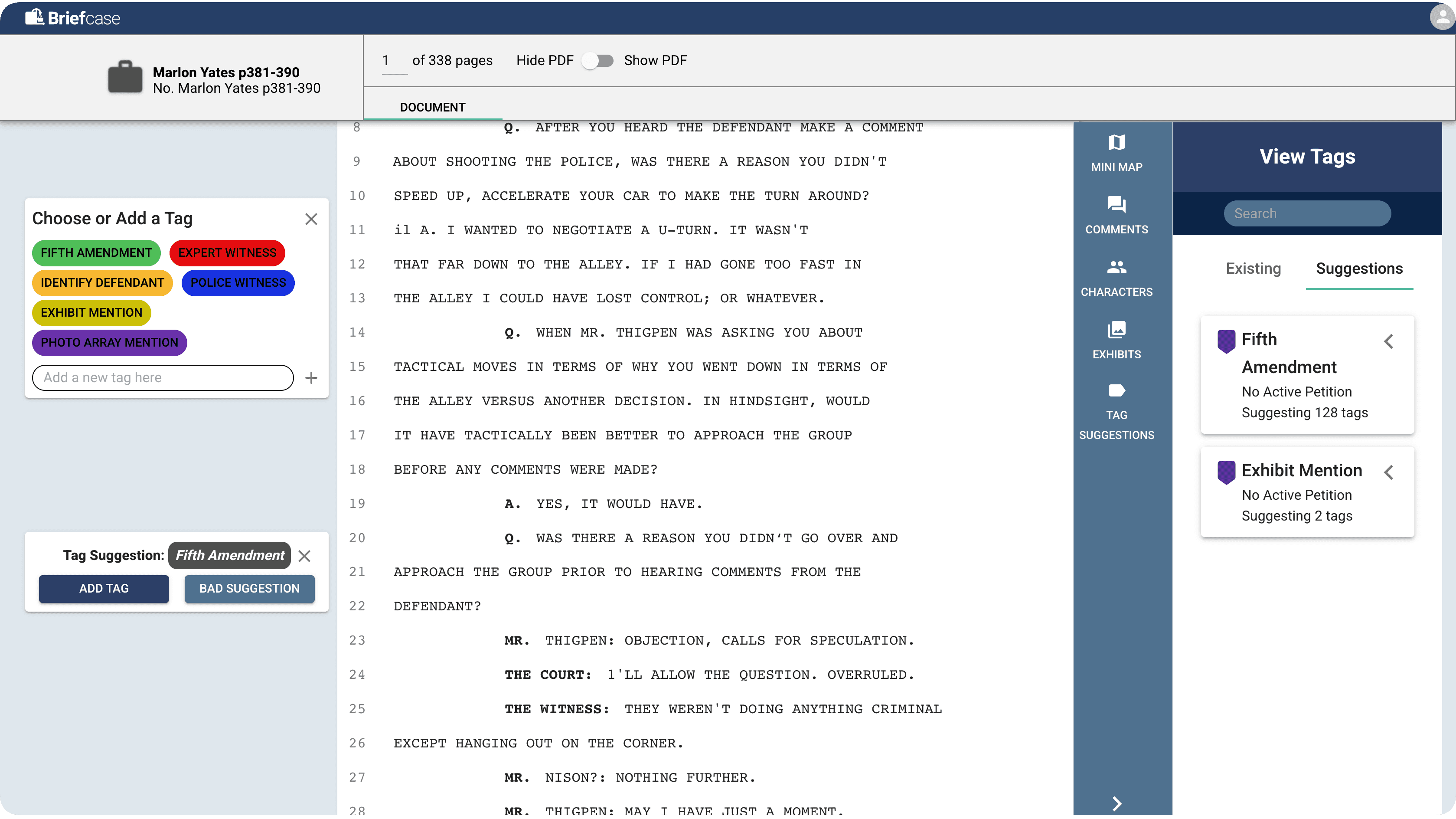
Analyze court transcripts for key moments, identify areas of dispute and inconsistency, and bookmark areas for review.
Manage and process your cases faster
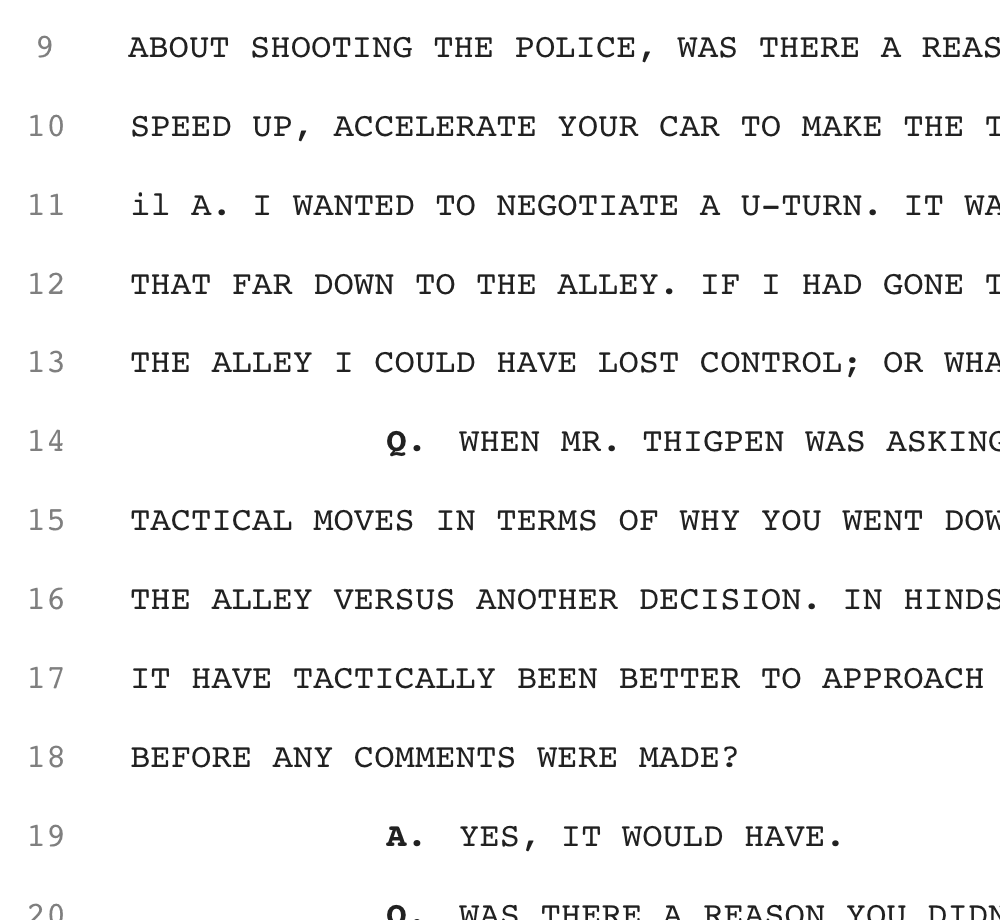
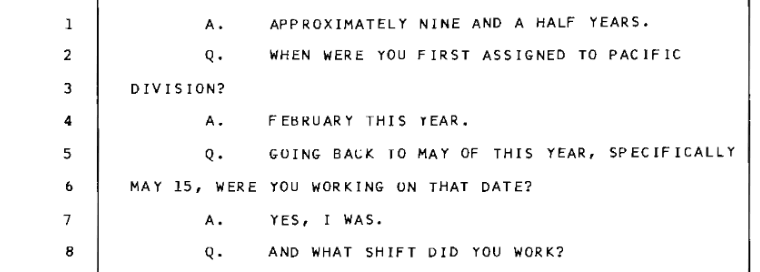
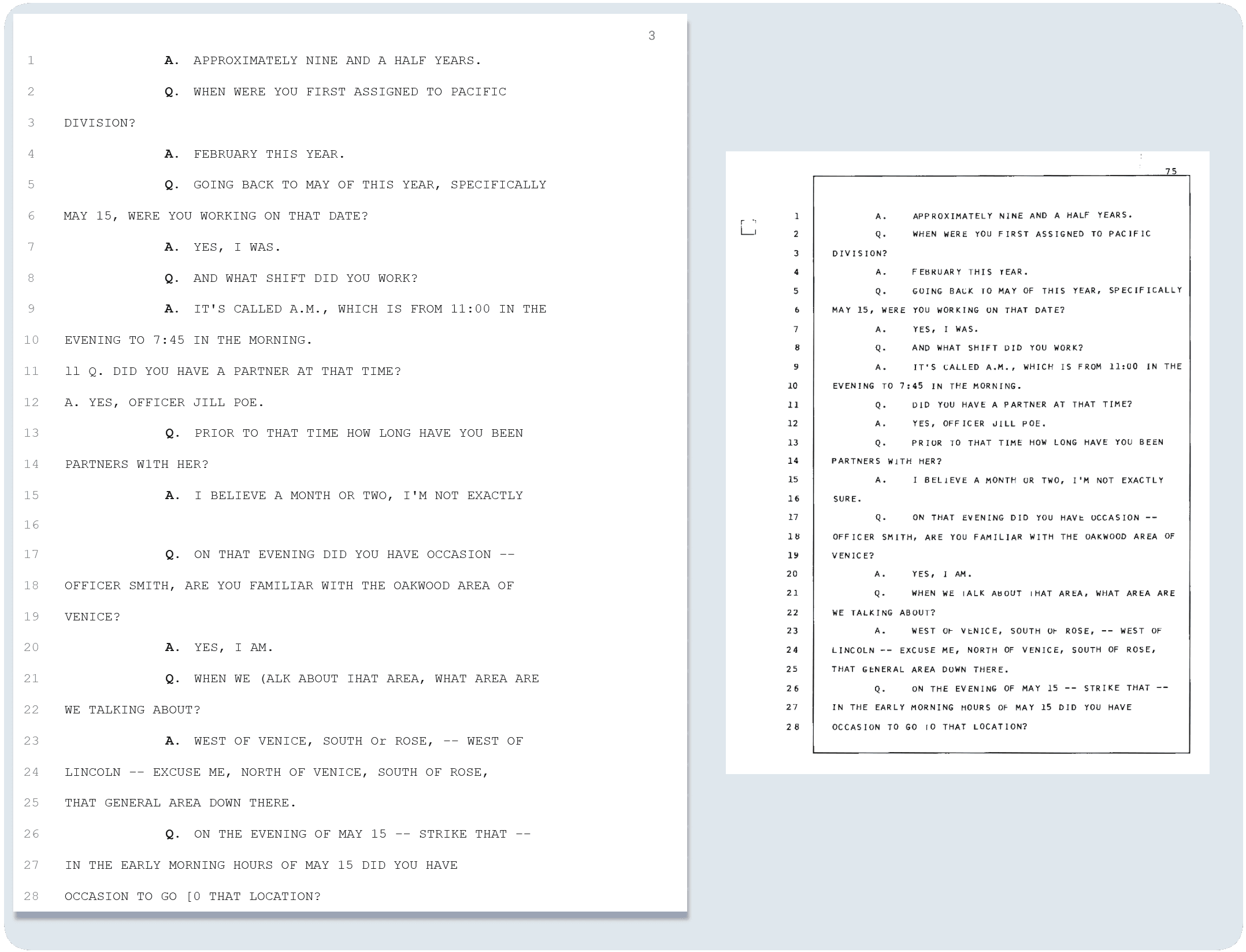
Upload a court transcript PDF and Briefcase turns it into an easy to read, plain-text document. Find any case from the dashboard.
Collaborate with your coworkers on cases
No more sticky notes on printed pages. Comment on lines, reply to peers, track exhibits and share cases with others in your firm.
Use intelligent insights to increase productivity
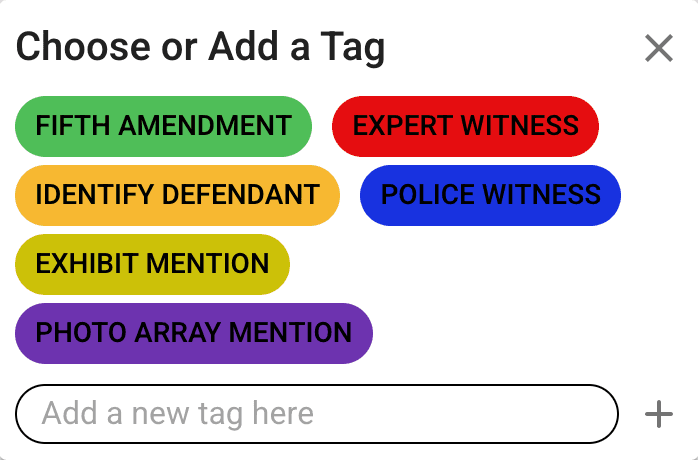
AI tags suggest relevant passages as you read, the case minimap jumps to key sections, and each examination gets an AI-generated summary.
How does it work?
Briefcase applies natural language processing to extract meaningful insights from court transcripts, which improves both team efficiency and case outcomes.
Get Briefcase
Join the waitlist and one of our team members should reach out.
Upload your trial transcript
Once on the Briefcase dashboard, create a new case and upload your transcript as a PDF.
Use Briefcase's smart features
Use the Briefcase workspace to analyze, navigate and collaborate on court transcripts.
In Briefcase
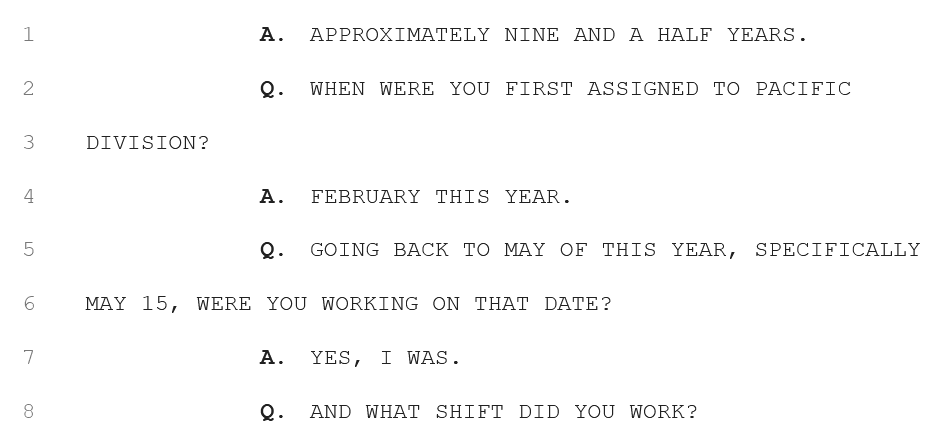
The scanned PDF
Created in partnership with


Immersive trial documents at your fingertips
With the ability to link exhibit and witness profiles within the document, transcripts become a multimedia experience.